Ainsworth A640 Upright iDeck Button Panel
OEM Ainsworth A640 Upright iDeck Button Panel
Don't see a product you are looking for? Please feel free to contact us.


Explore slot machine button panels, iDeck assemblies, and OLED control panels for upright, slant-top, and specialty casino cabinets. Inventory includes touchscreen-integrated panels, single and dual ribbon configurations, bet buttons, display assemblies, and related components. Search by manufacturer and cabinet platform to locate a replacement that matches the machine’s original controls and connection requirements.
Showing 16–30 of 126 results

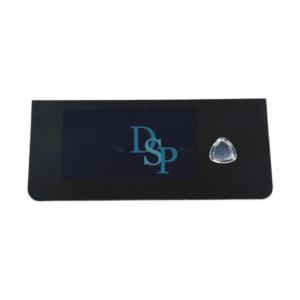
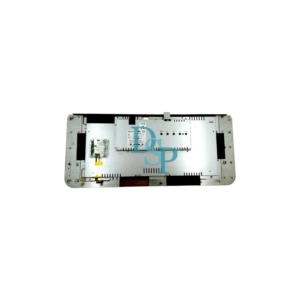
OEM iDeck Button Panel for Aristocrat Gen9 Flame Button Panel
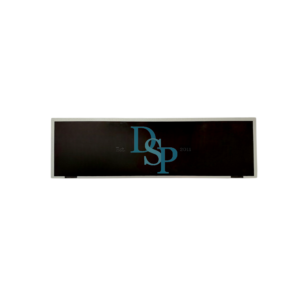
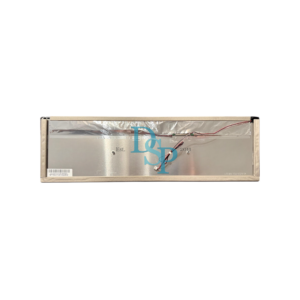
OEM 19.5″ LCD Panel for Aristocrat MarsX Button Panel MODEL: MarsX PART NUMBER: SP1952-912619522002
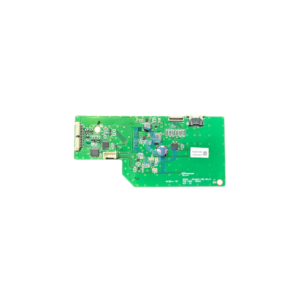
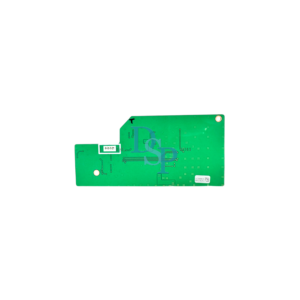
OEM Kortek Bash Button Controller for Aristocrat MarsX Button Panel MODEL: 195MARS-VBD-RELAY PART NUMBER:
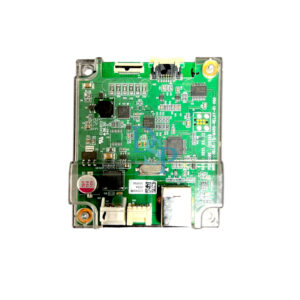
OEM Kortek Bash Button Controller for Aristocrat MarsX Button Panel
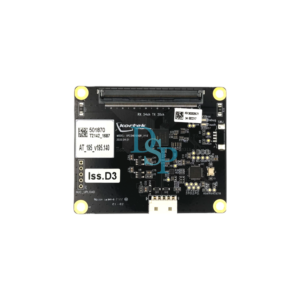
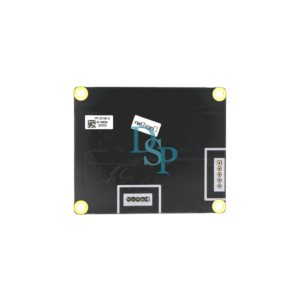
OEM Kortek Button Panel Touchscreen Controller for Aristocrat MarsX BUTTON PANEL MODEL: KTB195DPA18 MODEL: XP23HD1080R_V1.0 PART NUMBER: AT-195-V195.140
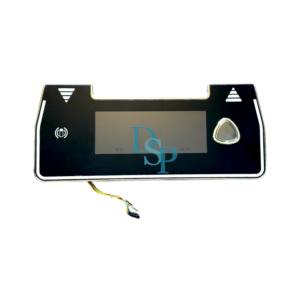
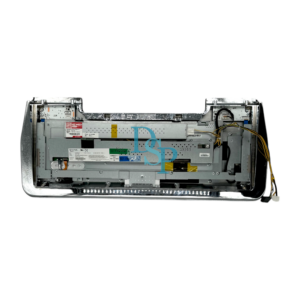
OEM Single Button iDeck Button Panel for Aristocrat Gen9 MarsX
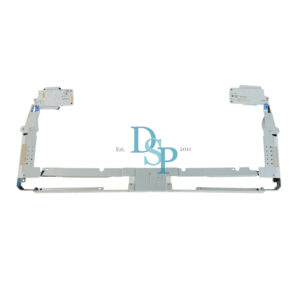
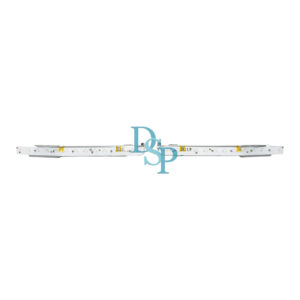
OEM Single Button iDeck Light Bar Kit for Aristocrat Gen9 MarsX
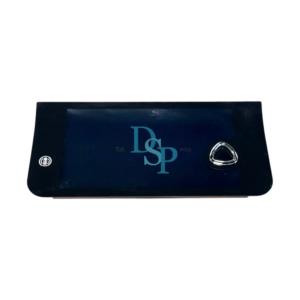
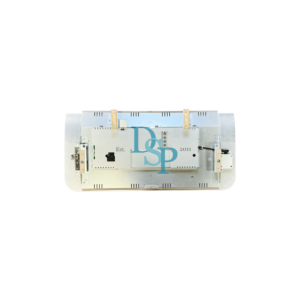
OEM iDeck Button Panel for Aristocrat Gen9 Neptune Button Panel
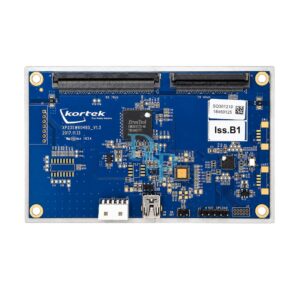
OEM Aristocrat MK8 Helix XT Kortek Button Panel Touchscreen Controller
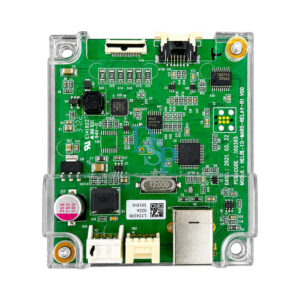
OEM Aristocrat MK8 Helix XT Kortek Dual Ribbon Bash Button Controller
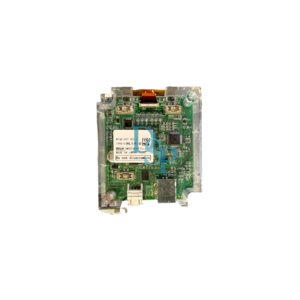
OEM Aristocrat MK8 Helix XT Kortek Single Ribbon Bash Button Controller
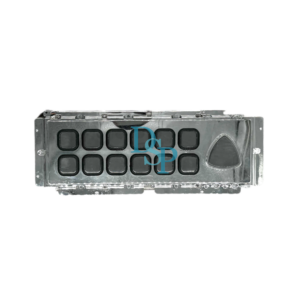
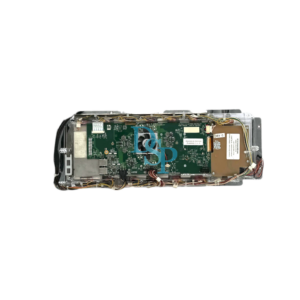
OEM OLED Dynamic Button Panel for Aristocrat MK7 Viridian Widescreen MODEL: PART NUMBER: 579270_701
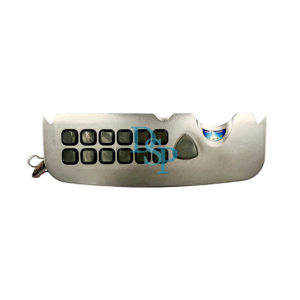
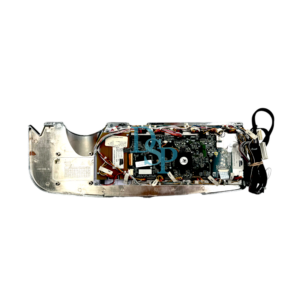
OEM OLED Dynamic Button Panel for Aristocrat MK7 Viridian Widescreen
OEM Static Button Panel for Aristocrat MK7 Viridian 19″
End of content
End of content
Button panels are available in both LCD-based iDeck assemblies and OLED configurations depending on cabinet design. Variations include single and dual ribbon iDeck assemblies, touchscreen integrations, and upright or slant cabinet formats.
When selecting a replacement button panel, confirm cabinet series, display type (iDeck or OLED), and ribbon configuration where applicable. Part number verification is recommended prior to installation.
Don't have an account yet? Sign up
No products in the Quote.